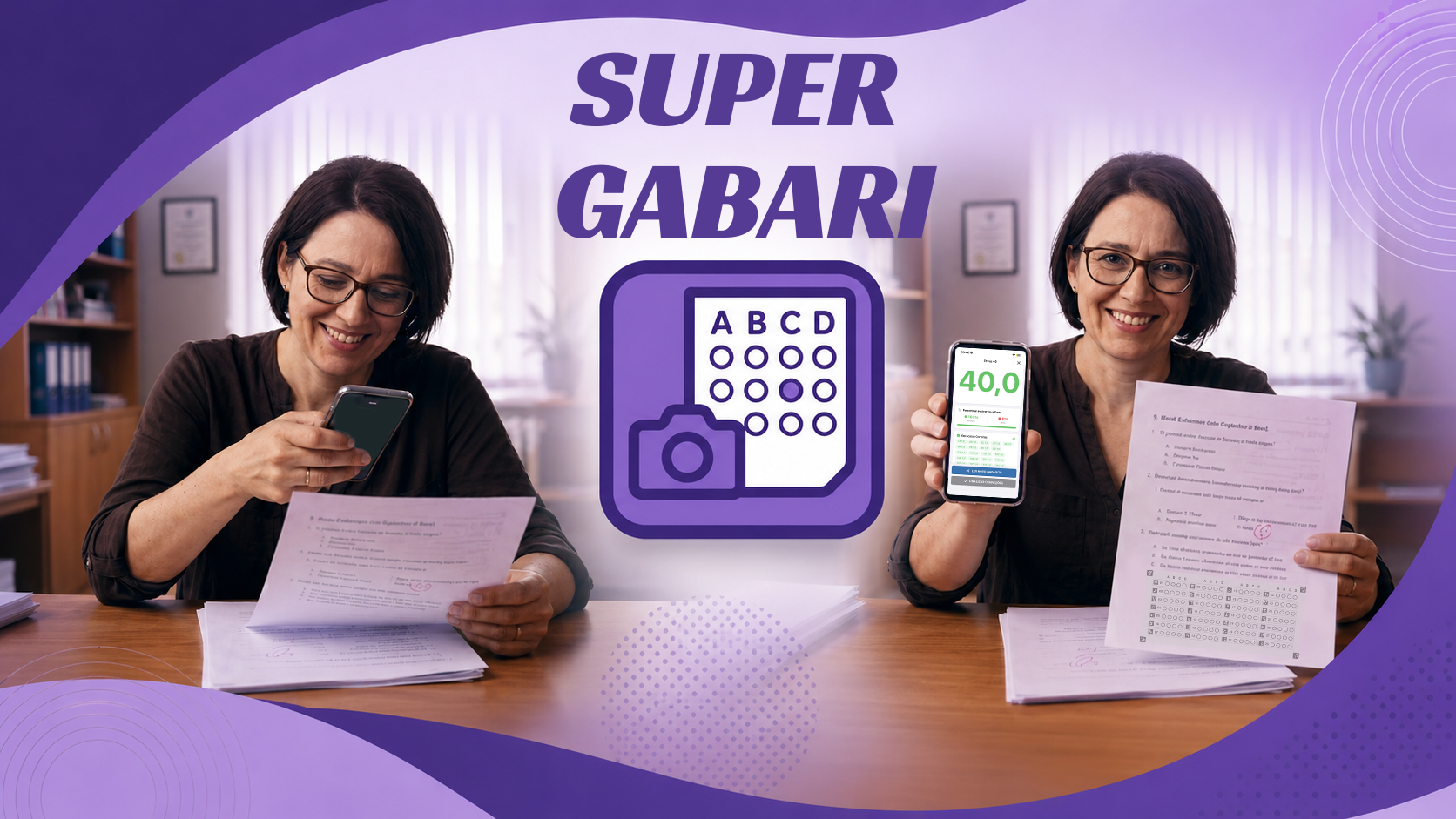
Just 3 steps: create, export, and grade!
Create your answer key
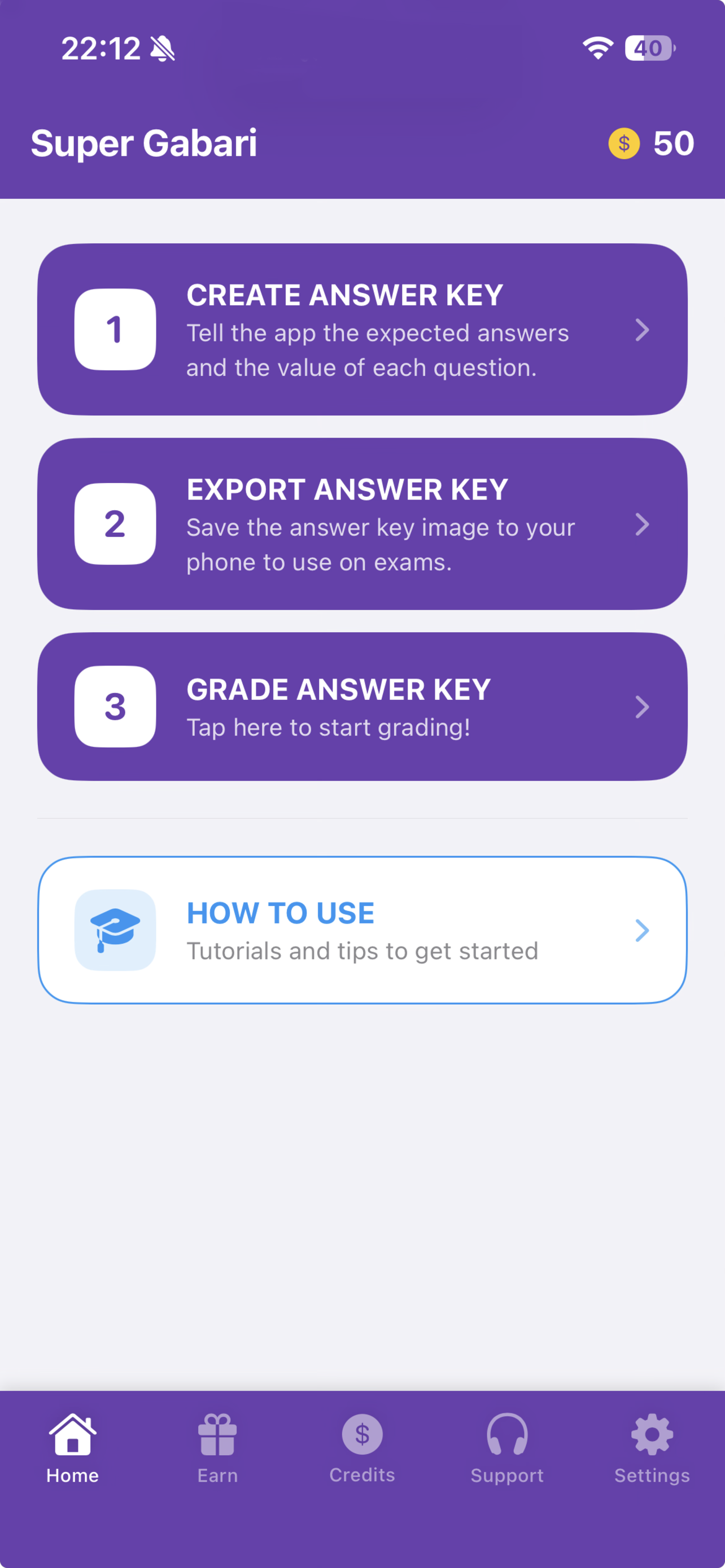
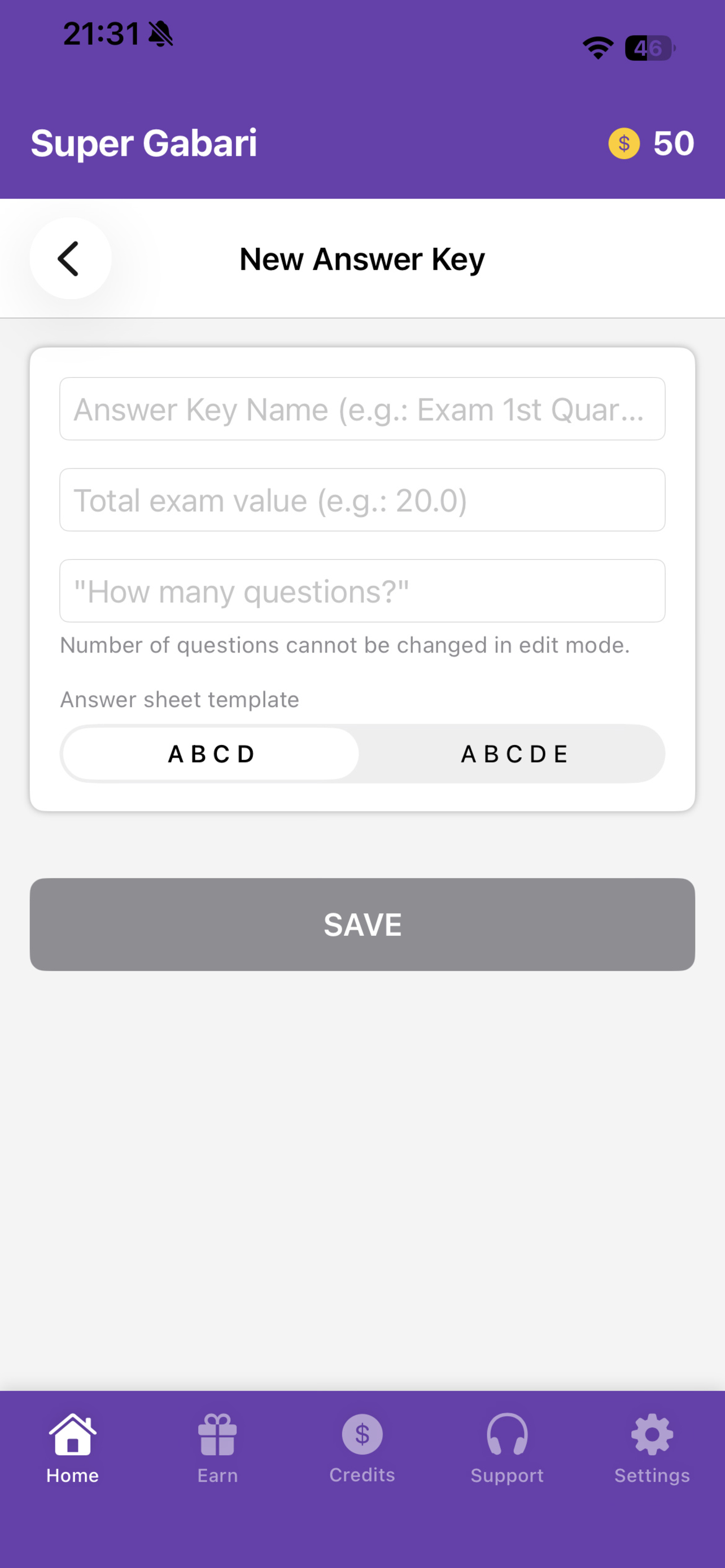
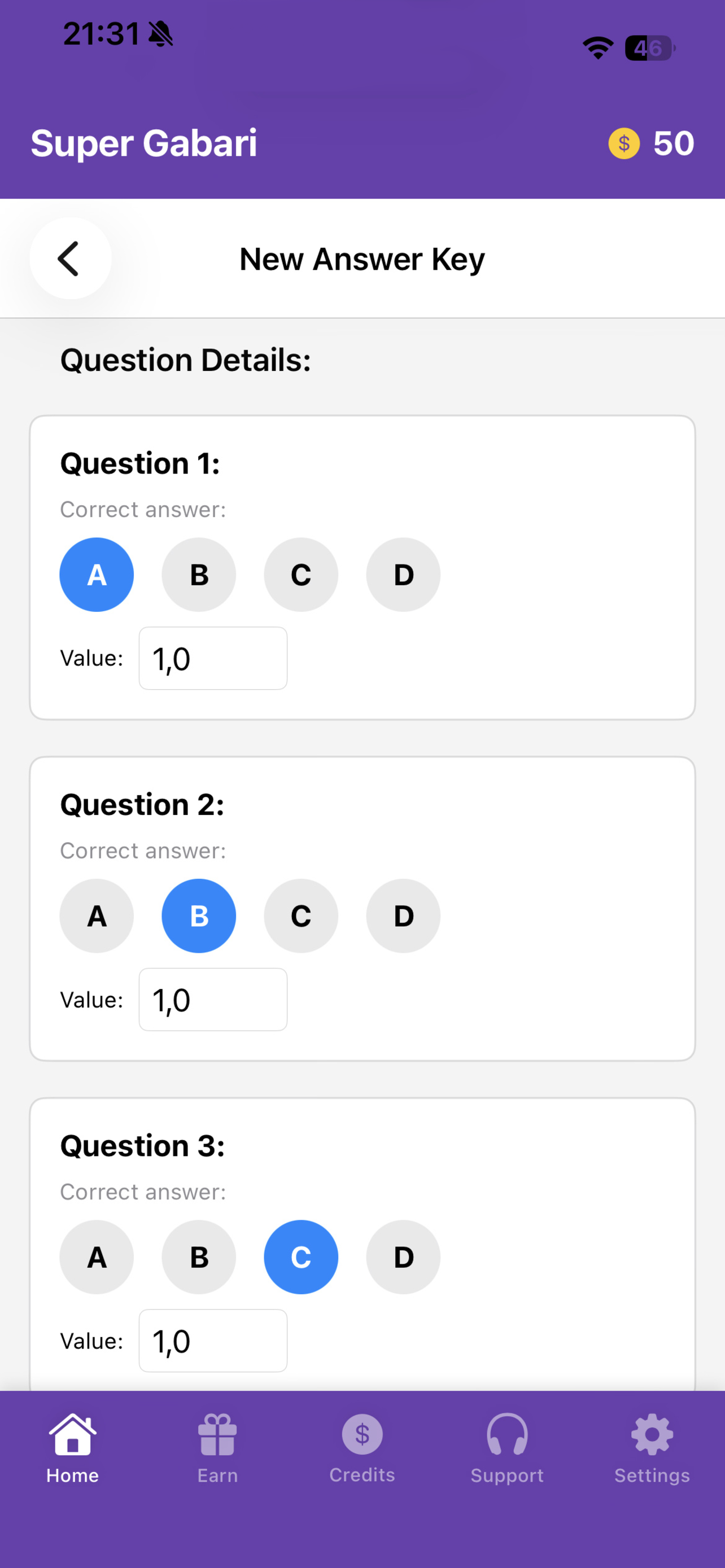
Tell the app the expected answers and the value of each question (CREATE ANSWER KEY).
Export the answer key
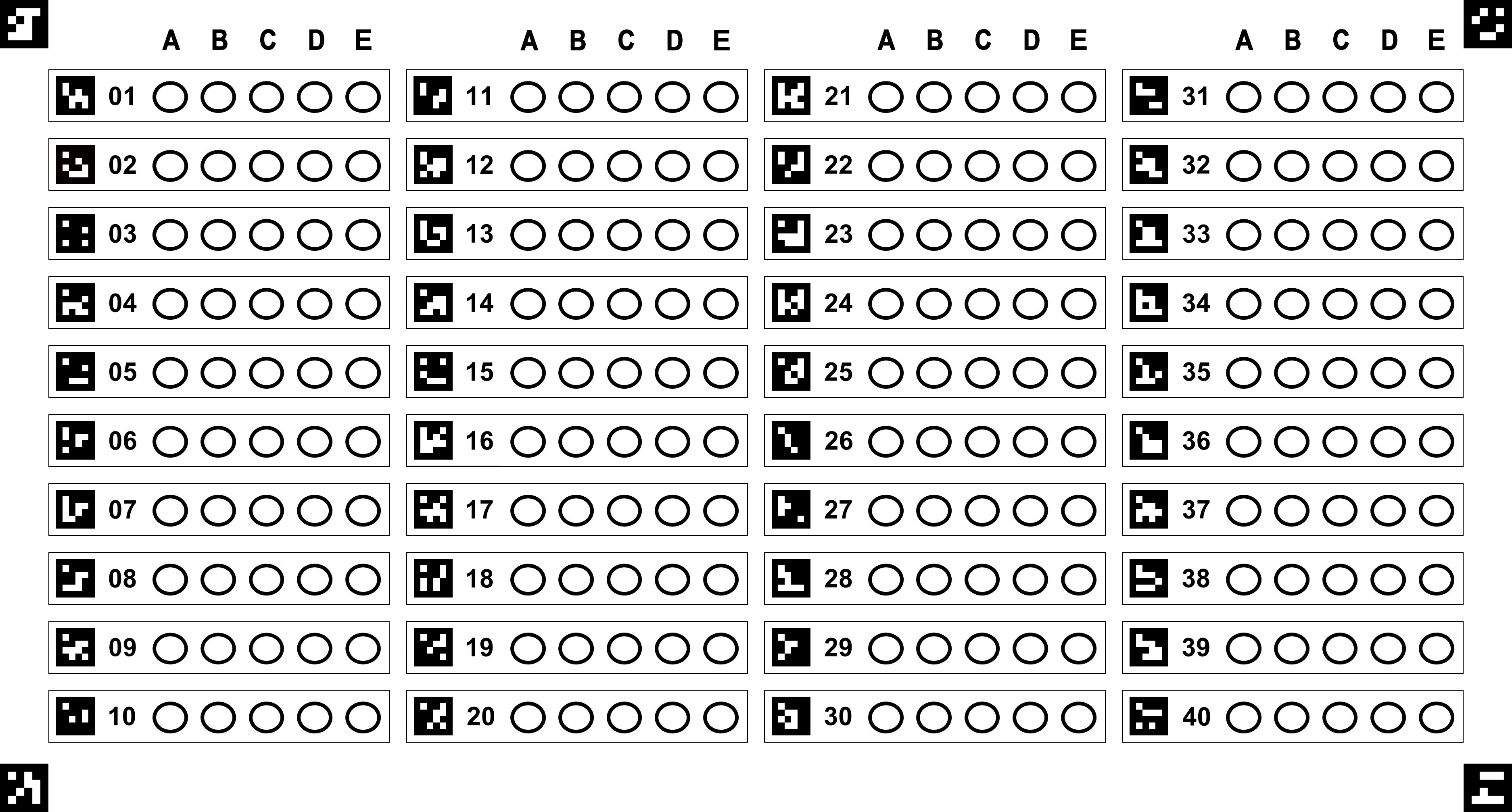
Save the answer key image to your phone (EXPORT ANSWER KEY) — it's what you'll use on exams.
Grade with your camera
With the exams in hand, tap "GRADE ANSWER KEY" to use your phone's camera and read the answers automatically. The app calculates the score in seconds!
Practical and Intuitive Interface
Your Exam, Your Way.
Add the answer key wherever you like.
Main Features
Lightning speed
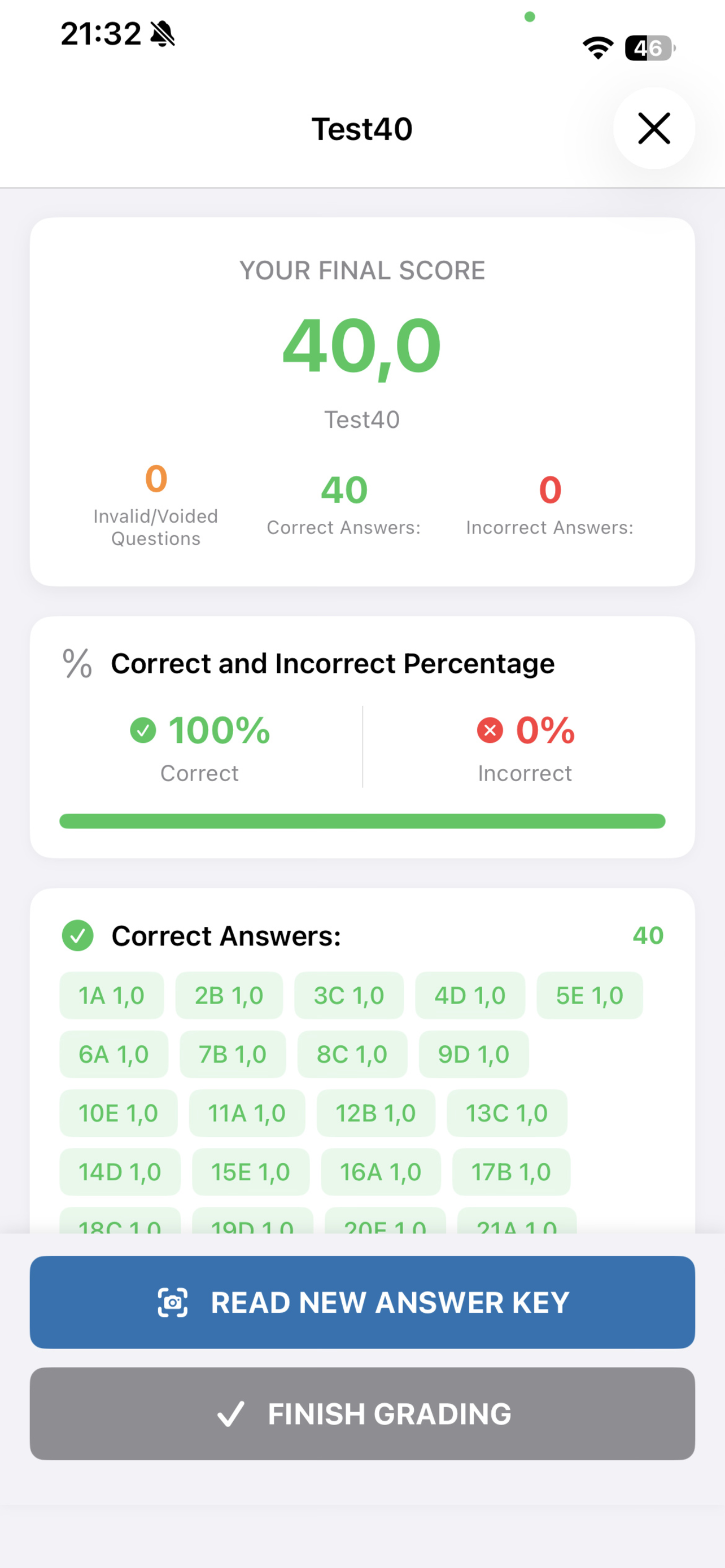
Point your camera and you're done! The result appears on screen in seconds.
Detailed metrics
Besides the score, the app shows correct answers, incorrect answers, voided questions, and the percentage of right and wrong answers.
Flexible templates
Choose between two answer sheet templates: "ABCD" and "ABCDE".
Maximum reliability
Automatically detects even questions marked twice (voided).
Custom values
You set the value of each question according to your own grading criteria!
Learn how to use the app with this video
Frequently Asked Questions
Is it really free?
Yes, Super Gabari can be used 100% free: you can earn credits by watching short videos in the app, or purchase them directly if you'd rather not watch.
Are my data and exam photos saved?
No. The camera is only used to read the answers in real time — no photo or video is ever saved or sent to any server.
Does it work on Android and iOS?
Yes, it's available on Google Play and the App Store.
Does the app support ABCD and ABCDE answer key templates?
Yes, you can choose between the "ABCD" and "ABCDE" templates, and customize the value of each question to your own criteria.
How accurate is it?
Extremely accurate. Our app uses the most modern detection systems available. It even detects unmarked or double-marked questions.
Download it now and try it for free!
Available for Android and iOS.